Find the class worth teaching again.
Save your class plans with the movements and cues you want to come back to.
 Join the waitlist
For Pilates & movement instructors
Your ideas. Your moves.
Your signature class.

Made for the way you teach
For the way you move
A look at what’s coming in December 2026.
Save your class plans with the movements and cues you want to come back to.
Save movements together as a block, then add them to another class.
Plan upcoming classes and look back at what you taught, with a calendar built around your teaching week.
Share your class plan as text or an image, with your movements and teaching cues.
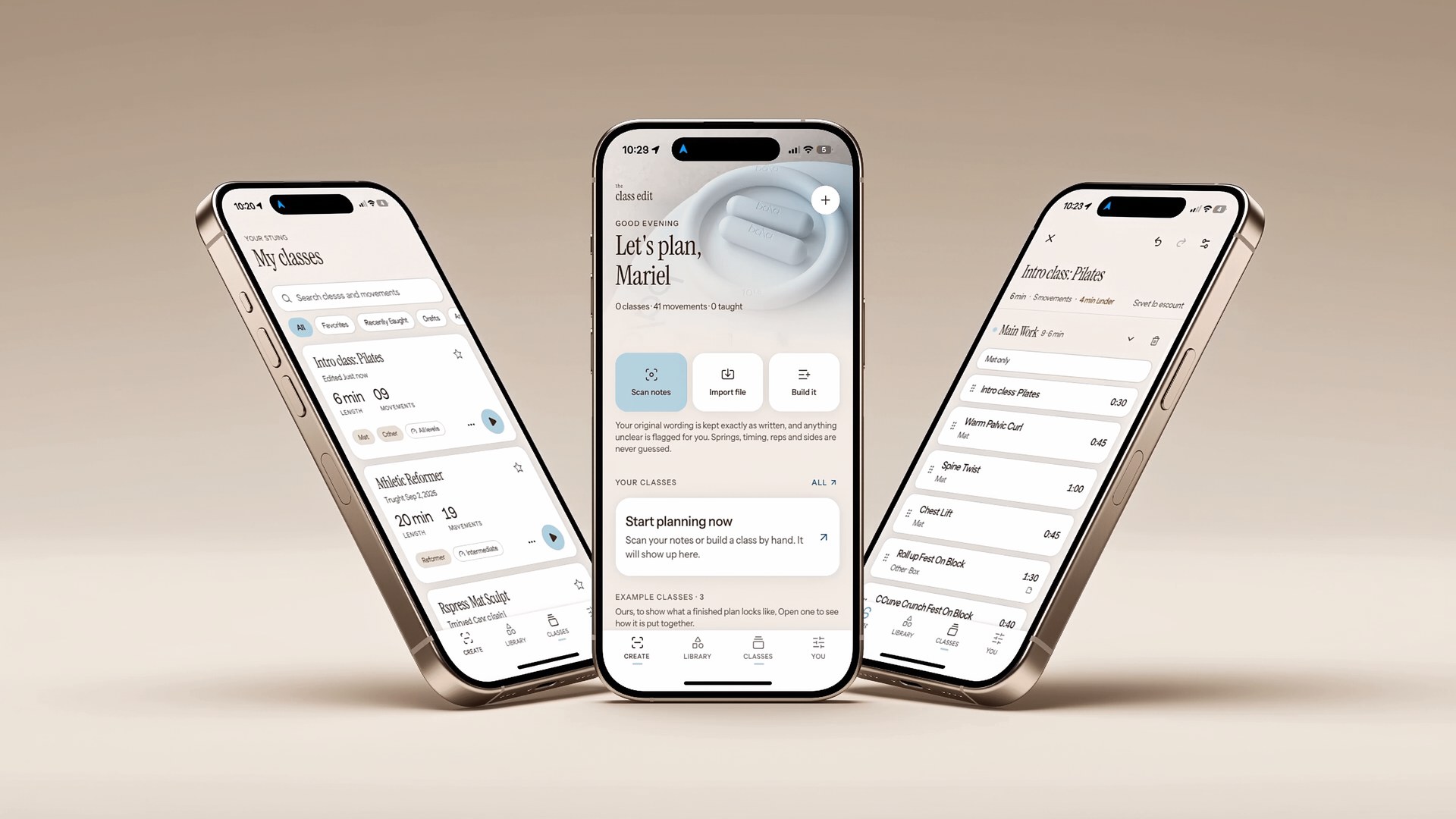
01 / Start where you are
Bring in a photo of your notes, review the movements and cues, and shape them into a class you can use again.
Adjust a cue for your next class. Save a sequence as a block. Use it again when you’re planning another session.
02 / Teach your way
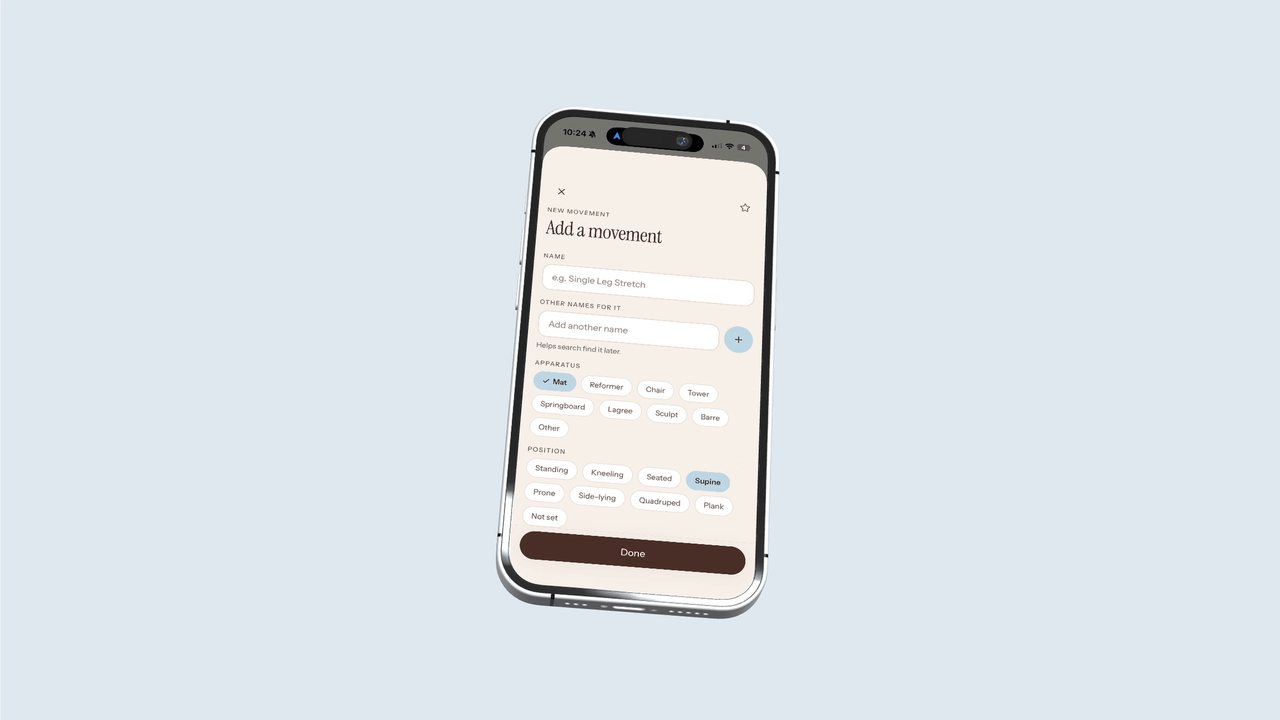
Keep your movements, timing, and teaching cues in view. Follow the timer or move through the plan at your own pace.
03 / Keep what works
A warm-up you always come back to. A strength sequence worth repeating. A closing flow that feels just right.
Save those movements together as a block. Add it to another class, then adapt the cues and timing for the people you’re teaching.
Build your next plan from the teaching you’ve already put into it.
A little less starting over
Your workouts have a home.
The rest of your day is yours.
Before you step inside
Your notes, your sequences, your cues.
Ready to teach again.
For instructors teaching Pilates, yoga, strength, HIIT, barre, sculpt, and combinations of them. It’s a place to organize your teaching material and shape it around your own approach.
No. You can bring your existing plans and use Class Edit to keep them organized. Build, edit, and use teaching mode when they’re useful to you.
Blocks are reusable sequences of movements. Save your own or start with a pre-built block, then adapt it for the class you’re planning.
The launch calendar is being designed to help you plan upcoming classes and remember what you taught and when.
You can share a class plan as text or an image. That lets you pass along your movements and cues to another instructor.
An introductory tour explains the app before you get started. Bring in a photo of your notes or build a class from scratch.
The Class Edit launches in December 2026. Join the waitlist to learn more and hear when it’s ready.
Your next chapter, thoughtfully planned
Give it a place to grow.